Online shipping tool
In the PostNord app, there’s a feature called the Online Shipping Tool, a tool that helps users send and manage shipments directly from the app.
My role centered on refining the interface to make the process as simple and user-friendly as possible. We combined A/B testing with usability studies to better understand user behavior, uncover friction points, and iteratively improve the experience. I designed interface updates, tested new ideas, and translated insights into practical changes that made shipping easier for both private and business users.
Issues with the old design
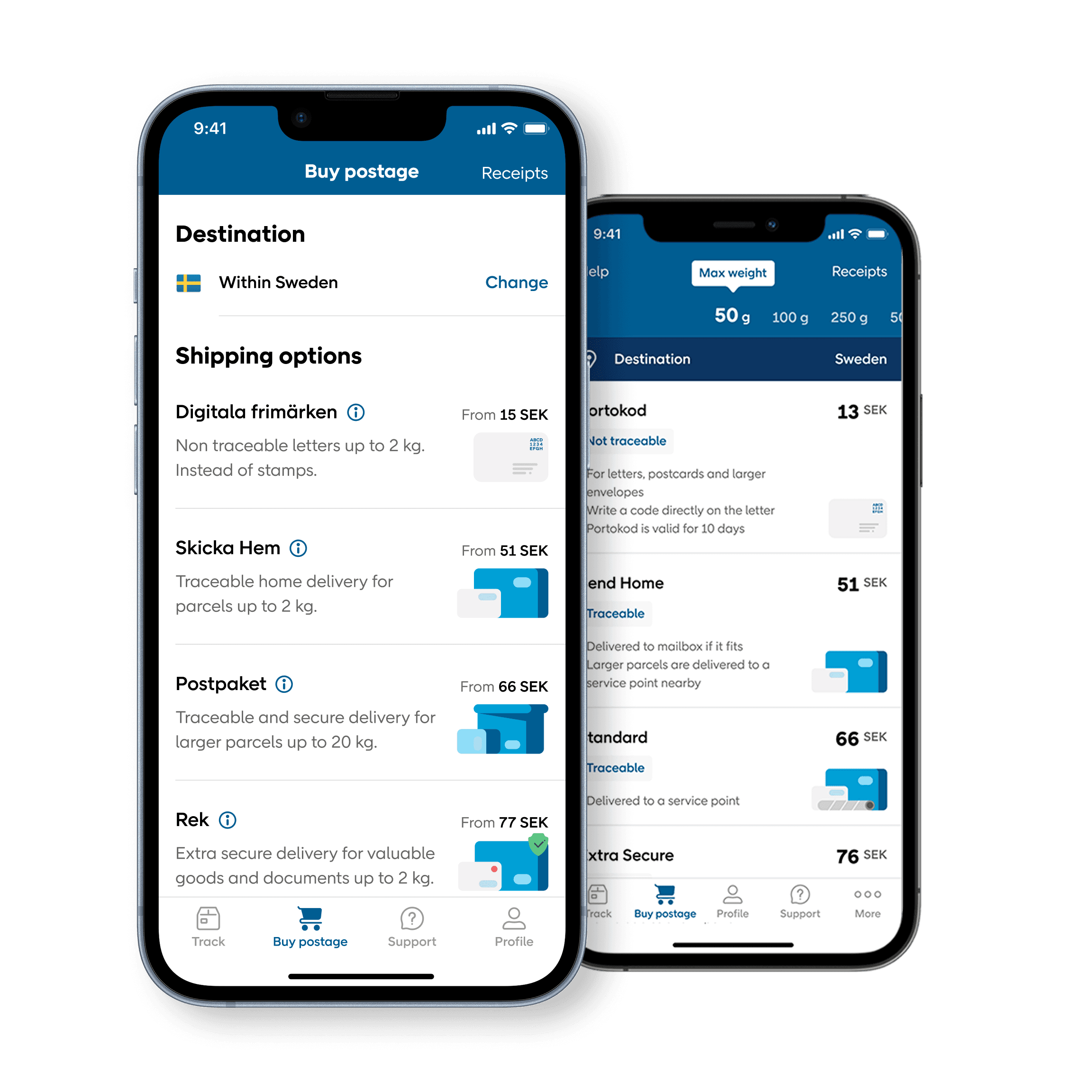
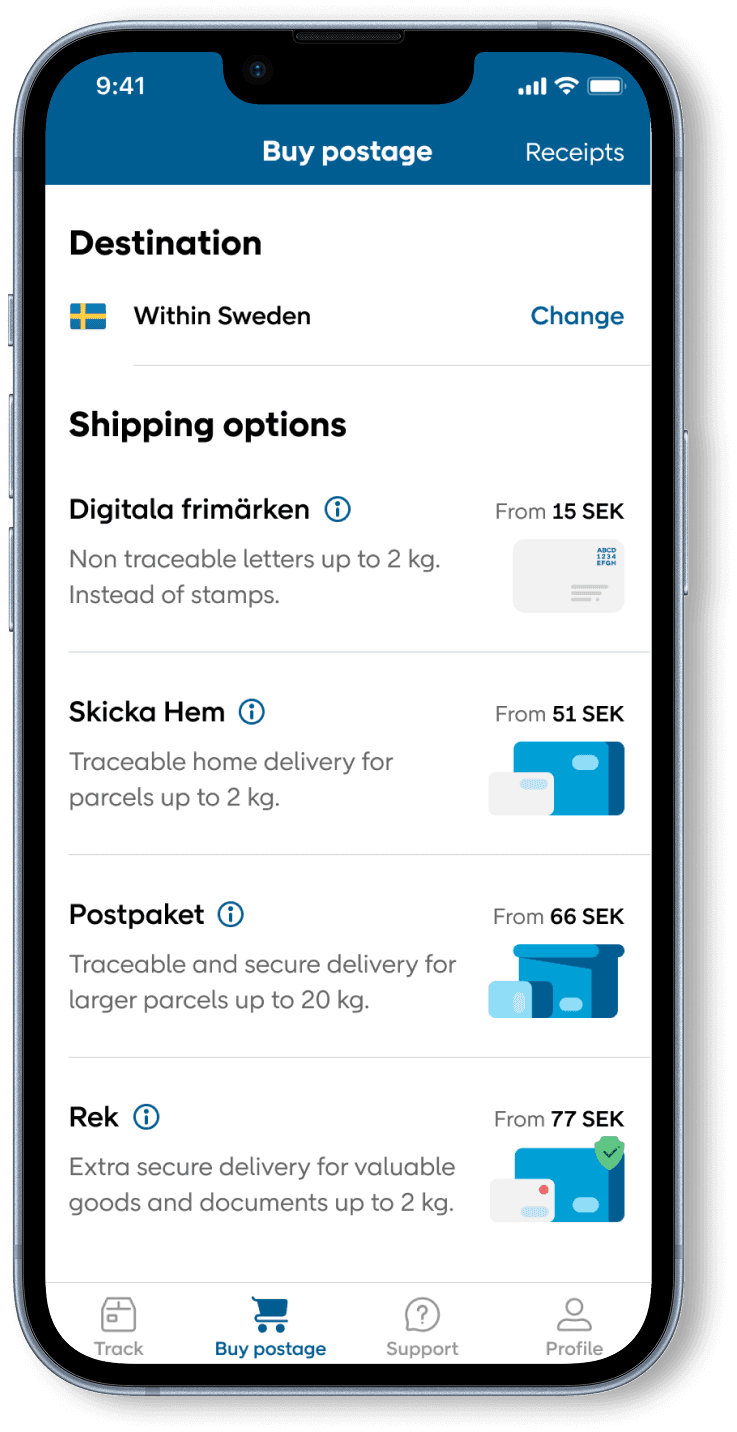
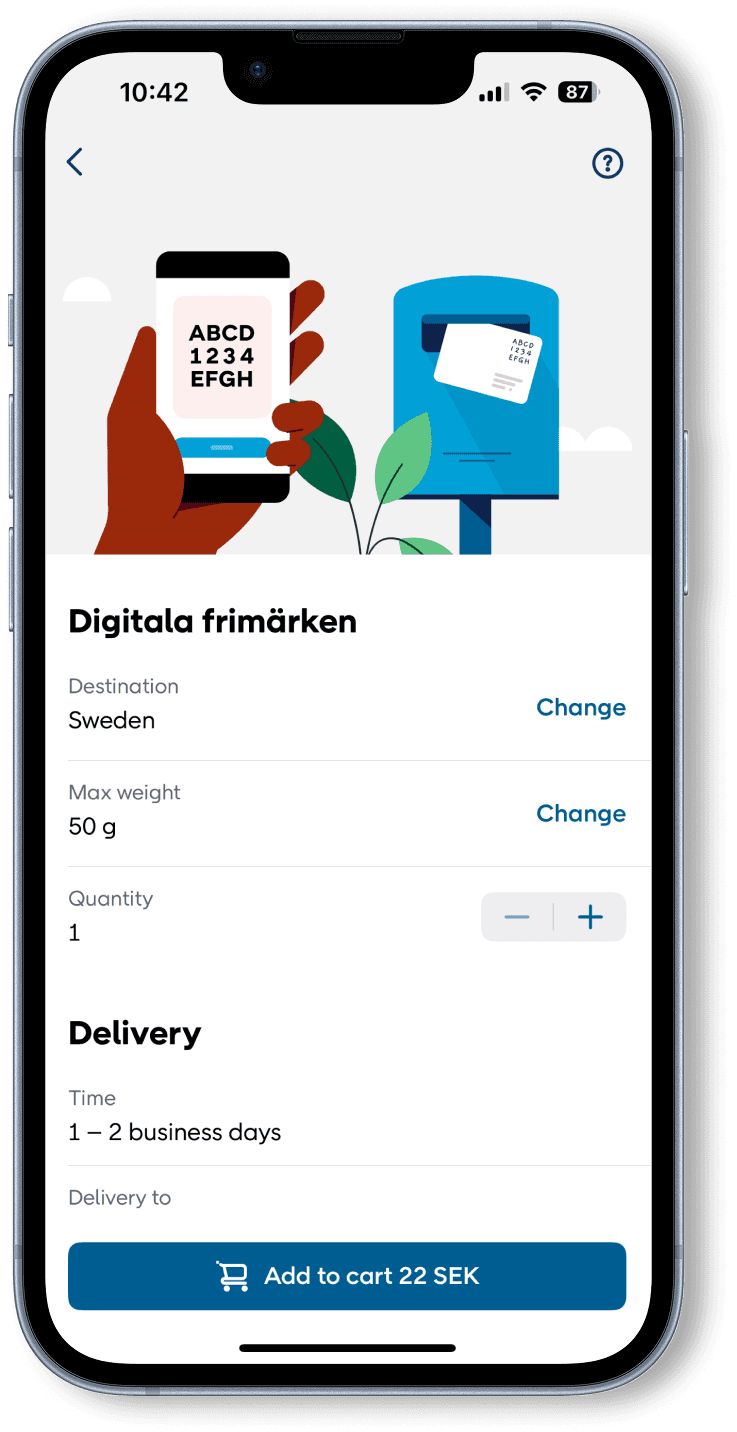
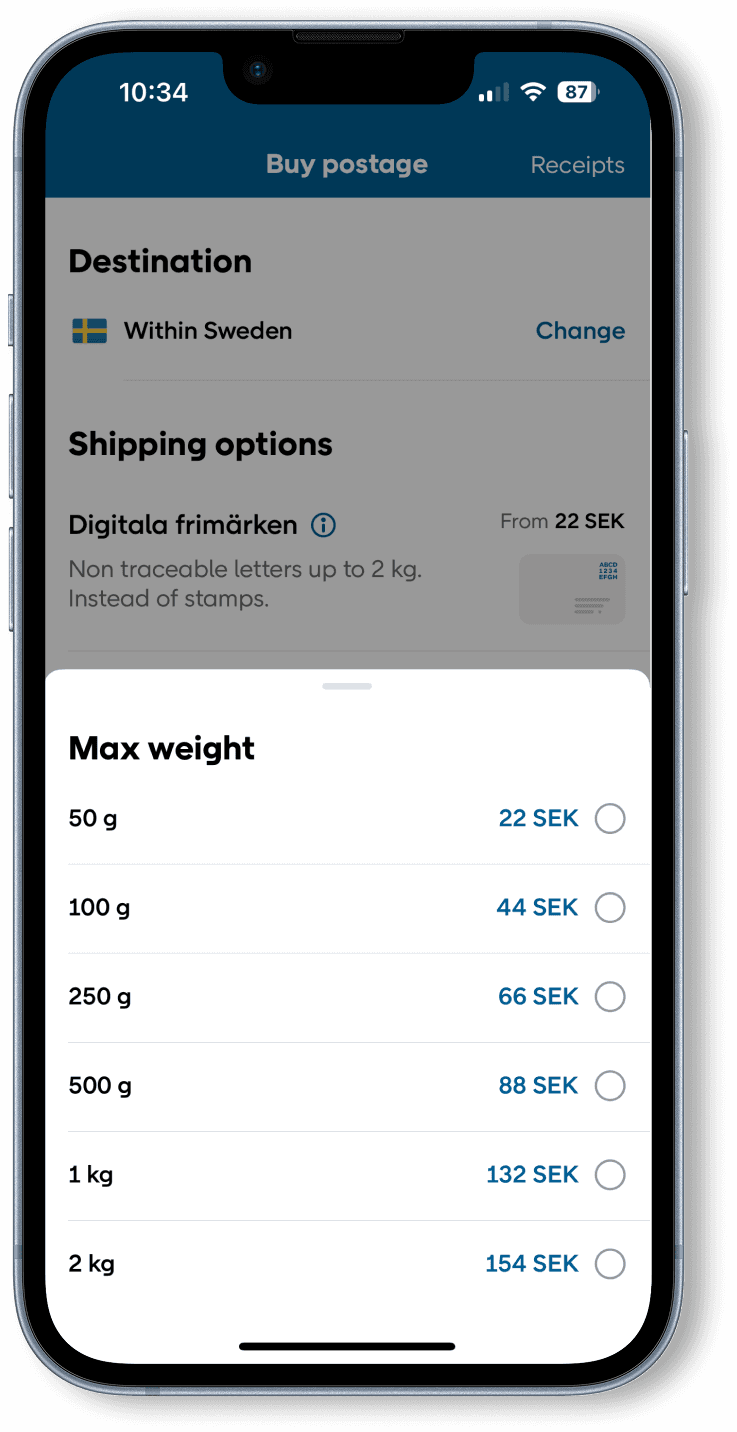
User testing showed us that many people didn’t understand the product information, often skipped important text, and completely missed key steps like selecting weight or destination. Some also struggled with the side-scrolling interaction for choosing weight. So we began by redesigning the starting screen to make it more clear and accessible for as many users as possible.
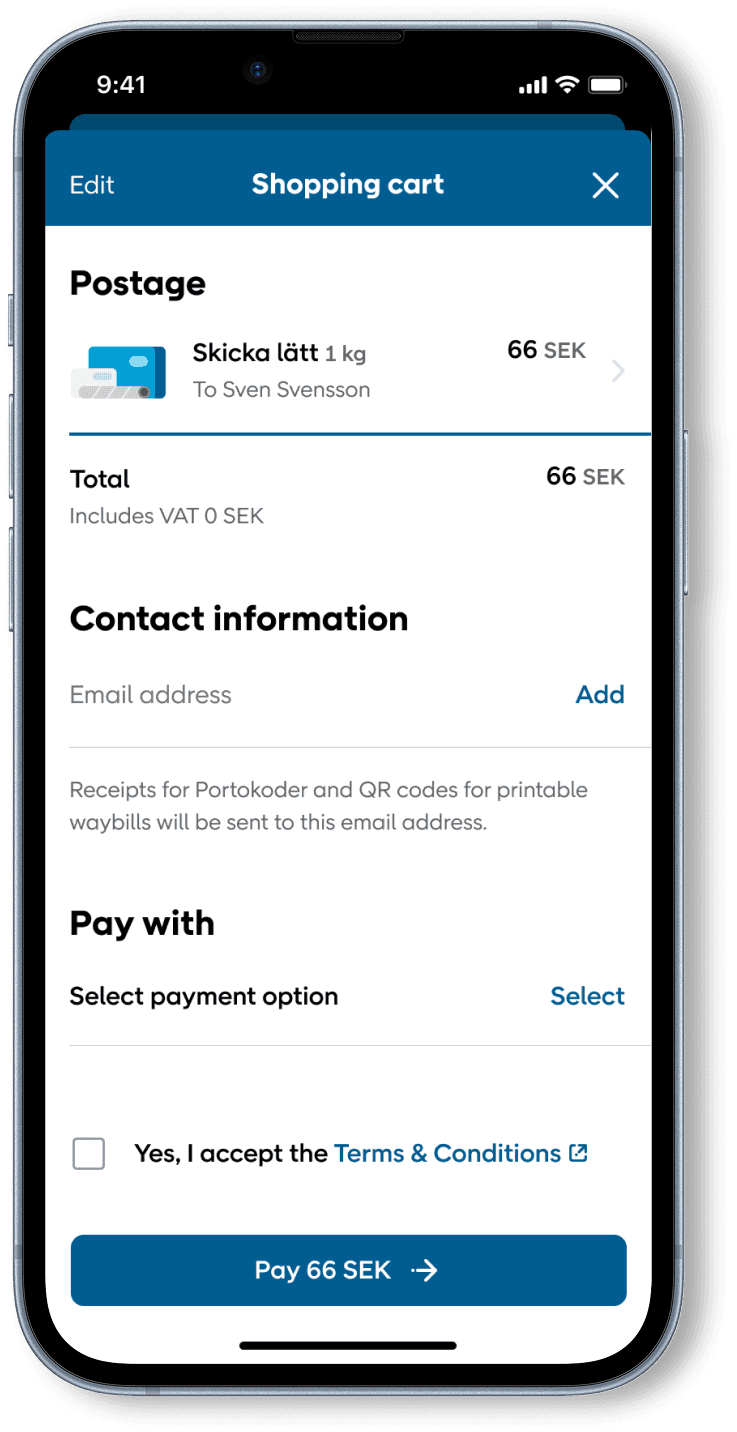
Product design
During my time with the PostNord team, I collaborated with UX designers across several projects, helping shape everything from customer journeys to detailed UI screens. I contributed throughout the design process, from early-stage ideation and user testing to final UI design and handoff.
I worked on features such as the chatbot, the shipping process, and map filtering, among many others. This included creating illustrations and animations to support the app’s visual language and improve the overall user experience. User testing was central to our process, and I worked iteratively to ensure the flows were intuitive, accessible, and aligned with user needs.
A/B Testing
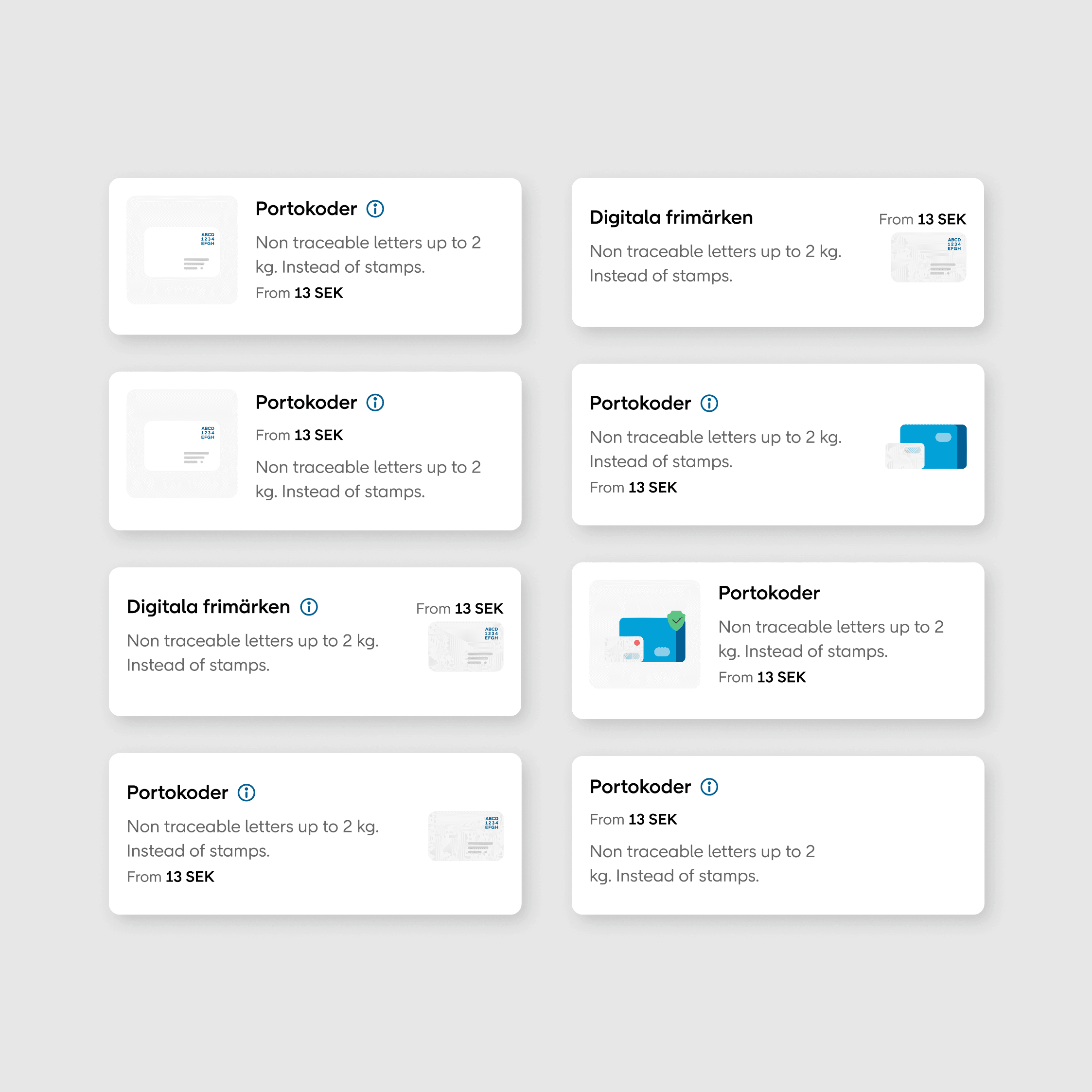
Throughout this project, we ran a wide range of A/B tests to evaluate different design solutions. These tests compared everything from layout order and illustration placement to whether or not to include images, and even different ways of describing the shipping products. It was a continuous process of trying out variations and focusing on what actually resonated with users.
Most of the A/B testing took place on the first screen, since that’s where users landed and gathered the initial information. Clarity here was key, and even small changes could make a big difference in how well the flow performed.
Measure click-through rates, conversions, and completed purchases in real time
Test visual and interaction-based changes without affecting the entire user base
Quickly compare two versions and make confident, data-driven decisions
Design process
The design process between me and a ux designer was highly collaborative from start to finish. We began by aligning on the project goals, reviewing any existing research, and evaluating the current user experience to understand where improvements were needed. We also gathered inspiration and explored how similar problems had been solved in other products.
Once we had defined the core user needs and pain points, we moved into ideation, sketching out concepts, testing hypotheses, and exploring different directions together. Early on, we built and tested interactive prototypes to validate ideas and uncover areas for improvement. These user tests were essential in shaping the direction and helping us iterate quickly.
As the solution took shape, I focused on refining the overall user flow and interface details, ensuring the experience was not only intuitive, but also visually consistent and aligned with our design system. Throughout, we worked closely with developers to make sure the implementation matched the intent, and ran final UI reviews to check layout, spacing, accessibility, and overall polish.
All of the UI shown here was designed by me, with a focus on clarity, scalability, and seamless integration into the Postnord design system